Switched from ChatGPT to Claude?
Your chat history
didn't come with you.
You spent months, maybe years, building a library of AI conversations. Career decisions, project ideas, problems you worked through. MyChatArchive brings your entire archive into Claude.
Self-host free. Hosted version coming soon.
Ask Claude about something you discussed in ChatGPT six months ago. It just finds it.
What actually transfers
Your conversations built
a library worth keeping.
The “Import” Approach
Export a memory file from one AI. Paste it into another. What comes through is a handful of generic summaries.
- →“Works in software development”
- →“Interested in web frameworks”
- →“Has several ongoing projects”
Vague labels. No actual conversations.
Months of context reduced to a few bullet points.
MyChatArchive
- ✓Every conversation, fully preserved
- ✓Search by what you said, not just keywords
- ✓Connected directly to Claude
- ✓ChatGPT, Claude, Grok, Cursor, Claude Code
- ✓Your data stays on your machine
Your full history. Searchable. Connected.
Three steps. Five minutes.
No cloud accounts, no API keys, no subscriptions.
Import
Export your conversations from ChatGPT, Claude, Grok, or Cursor. Drop the file into MyChatArchive.
Supports JSON exports from all major platforms
Embed
Vector embeddings are generated locally on your machine. Nothing gets sent to external servers.
Uses local transformer models for privacy
Connect
MyChatArchive runs as an MCP server that works with Claude's built-in connectors. Paste one config line into Claude Desktop or Cursor settings and it just works.
Claude searches your history automatically
Once connected
Claude sees your entire history as searchable tools
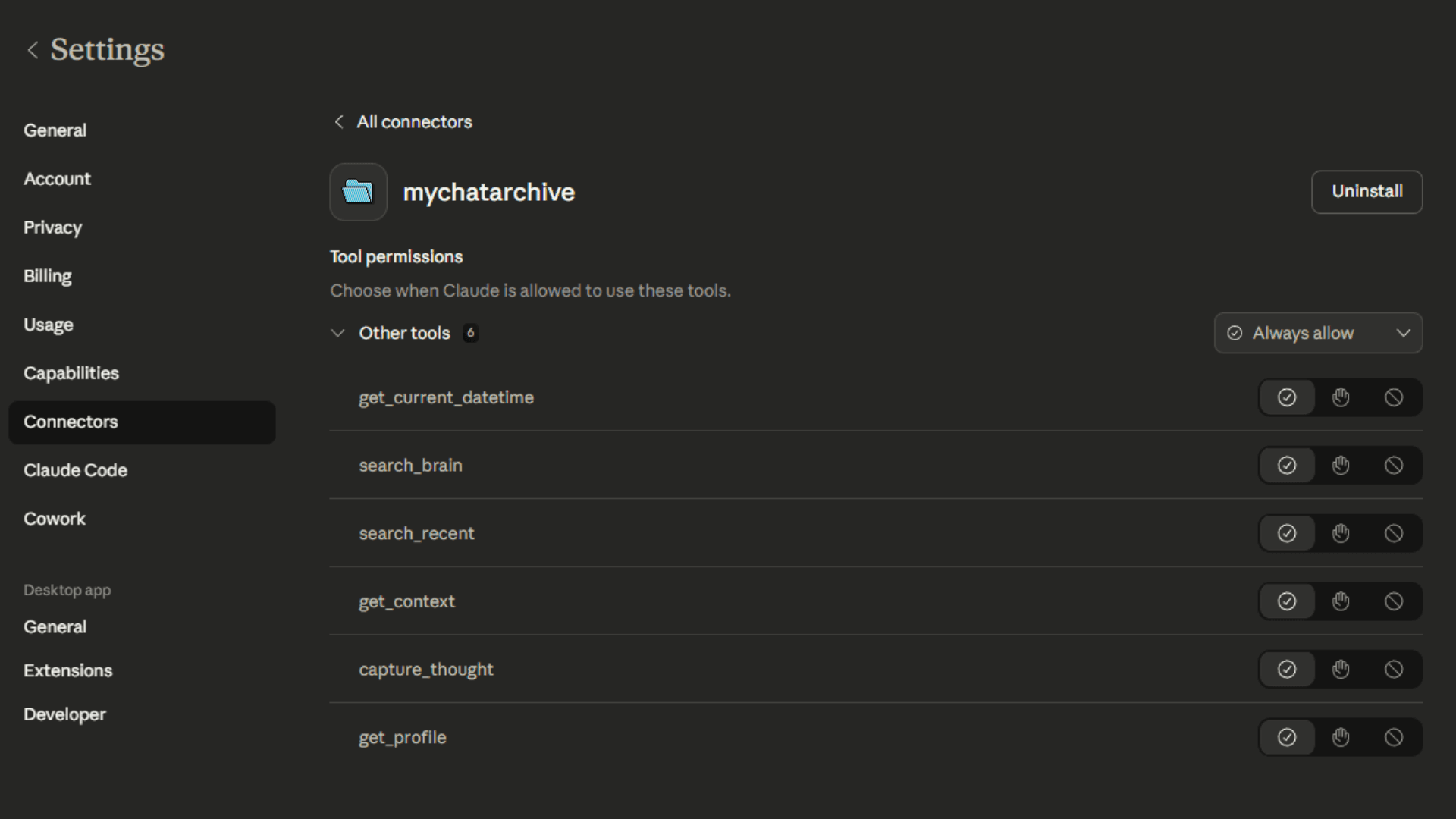
MyChatArchive connected to Claude. Six search tools, always available.
Supported platforms
Import from anywhere
Stop re-explaining yourself.
Bring your full conversation history into Claude. Every message, searchable, available in context.